
- Log into Google Business at https://business.google.com/
- Click on your business name
- Click on the 3 dots in the upper right and choose “Business Profile Settings”
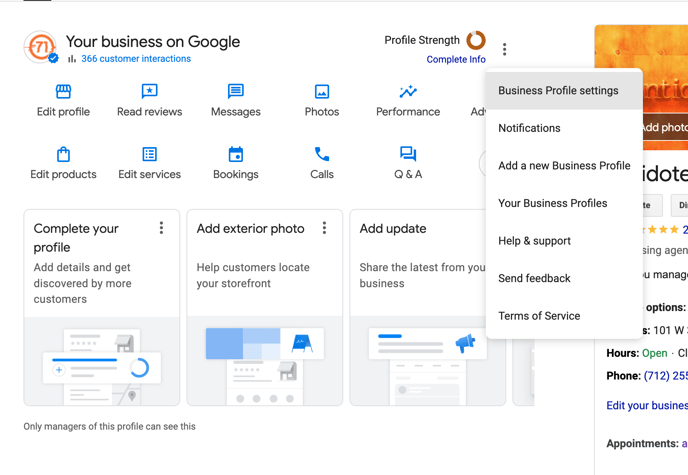
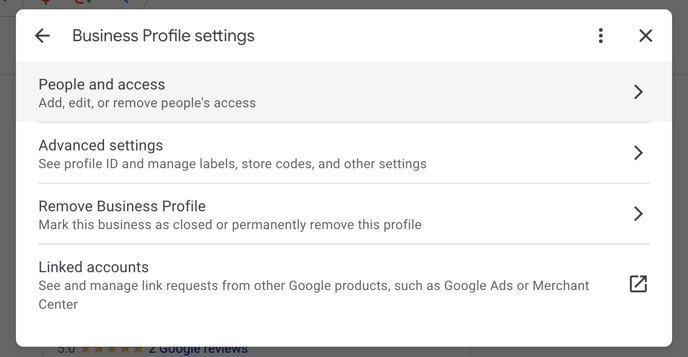
- Select “People and access” from the menu
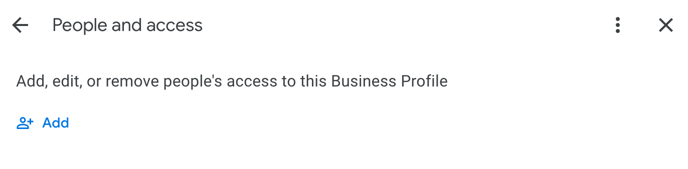
- Click "Add"
- Input info@antidote71.com in the email address area
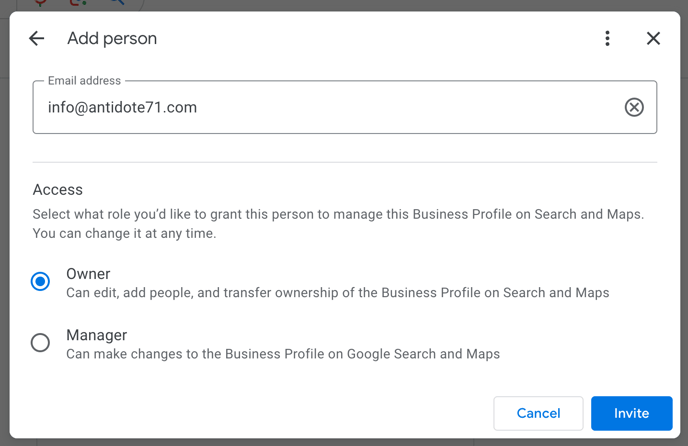
- Click “Owner”
You will remain the PRIMARY Owner which still supersedes ours. Only our primary account will be an owner. Team members from the agency who need access will be added as managers. If you prefer, you can choose “Manager” but we will need you to perform some tasks down the road, including assigning our team members, and removing them when necessary. - Click "Invite"
- Email your account exec at Antidote 71 to let them know you invited us so we can look for the email and accept